Structure and priorities
We organize navigation, content, and the main actions on each screen around what people need to accomplish.
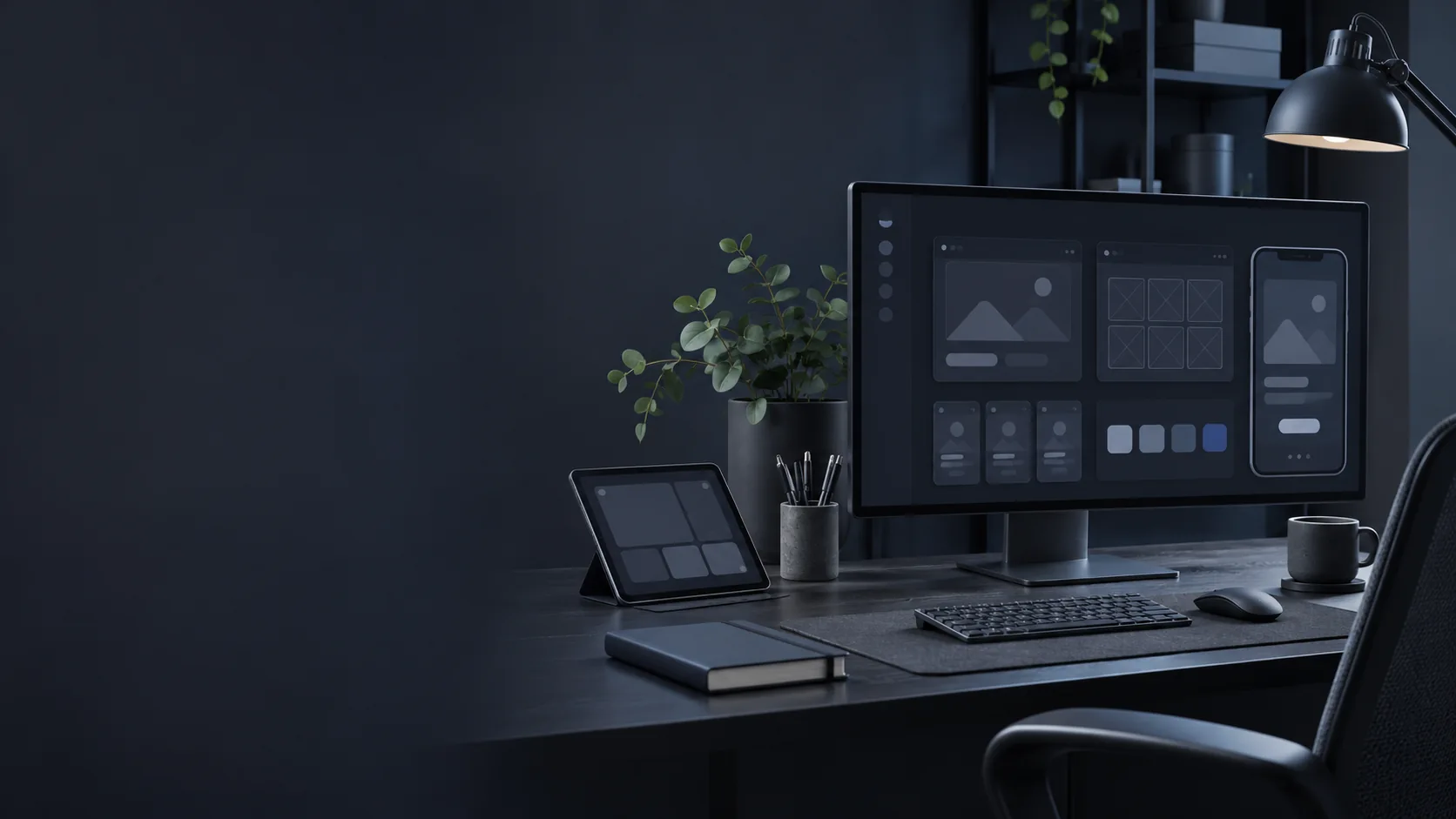
We design interfaces for new products and improve existing user flows. We agree on what people need to be able to do and how to test it before development.
We organize navigation, content, and the main actions on each screen around what people need to accomplish.
We build a prototype to walk through the agreed tasks and review the content, navigation, and interactions.
We document screens, components, and states so the team can implement and maintain the design.
We follow a task from the first visit through confirmation of the result. We identify what a person needs to know at each step and where they may need another option.
We ask people who represent the intended users to complete specific tasks. We see where they hesitate, backtrack, or need help and refine the design based on those findings.
We document screen sizes, loading and error states, and component behavior. We include focus, contrast, and readability criteria so the implementation can be checked.
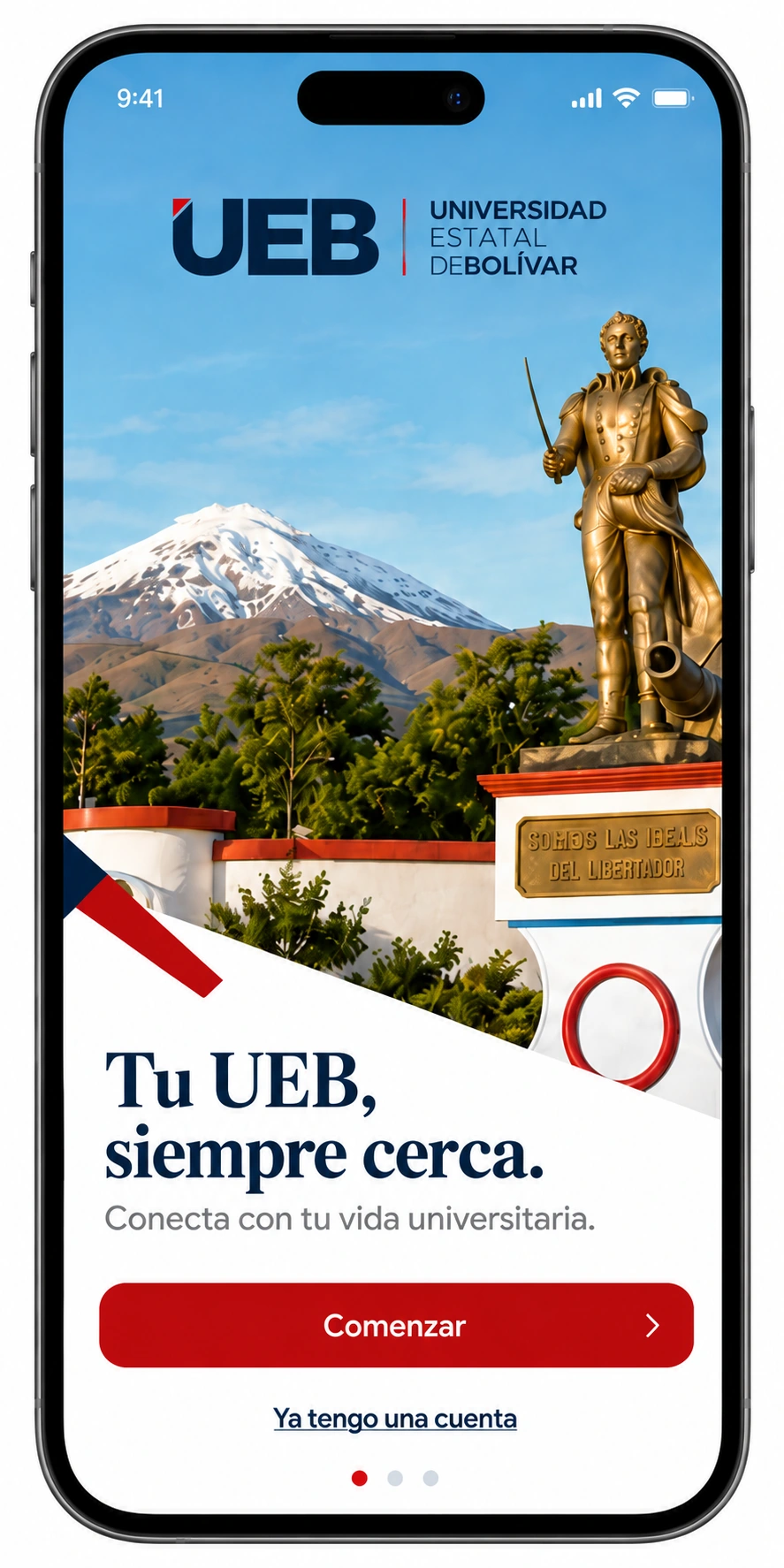
The welcome screen uses the university's visual identity and offers different actions for first-time users and people who already have an account.
View the UEB APP screens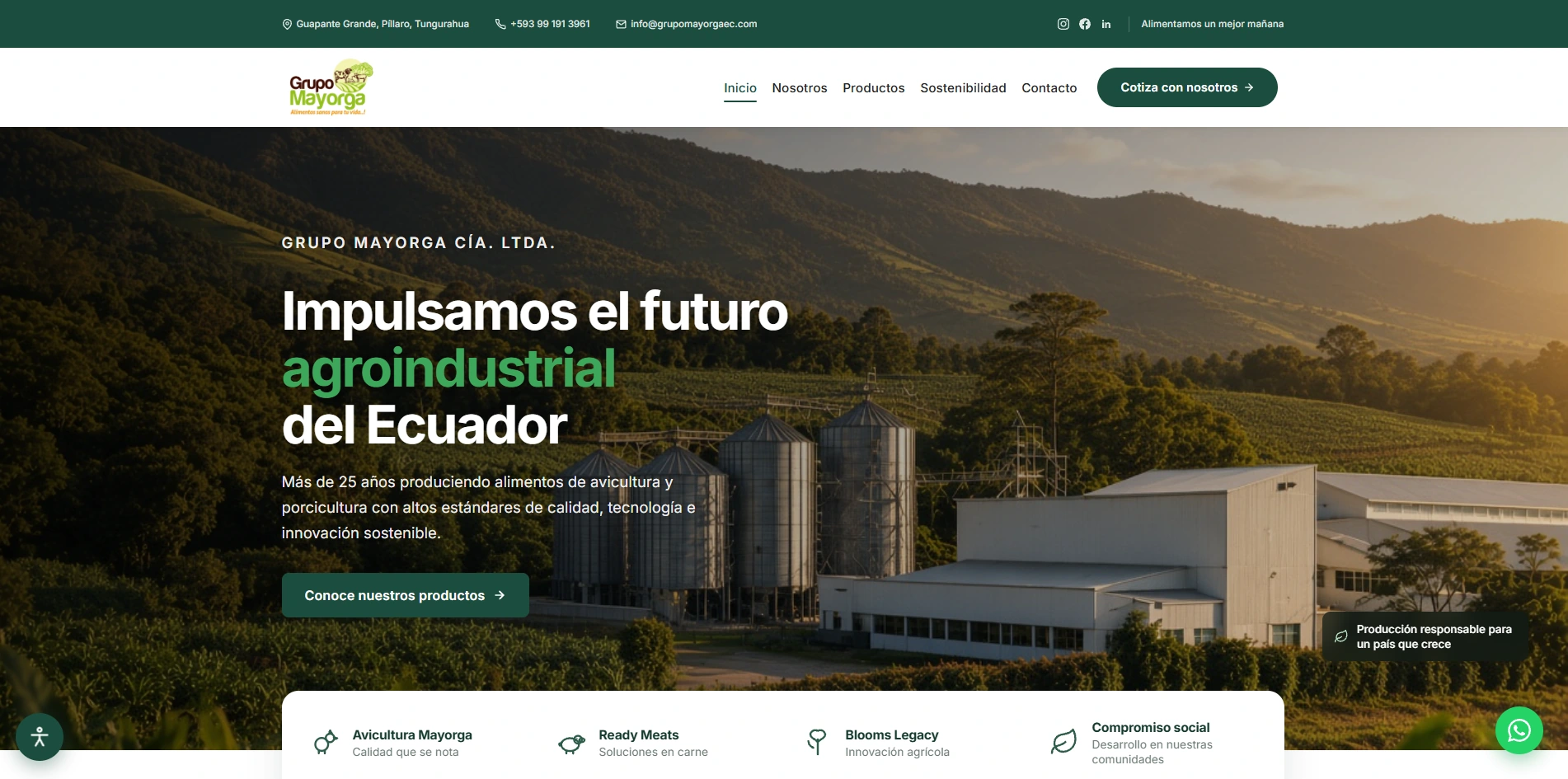
The navigation separates products from company information. A prominent action lets visitors request a quote from the home page.
View the Grupo Mayorga case studyWe can start with a first release, a targeted improvement, or a redesign of an existing product.

Site assistant